One app to replace them all

TaskFlow is the future of work. Manage tasks, docs, goals, and chat in one place. Streamline your workflow and boost productivity with our all-in-one platform.

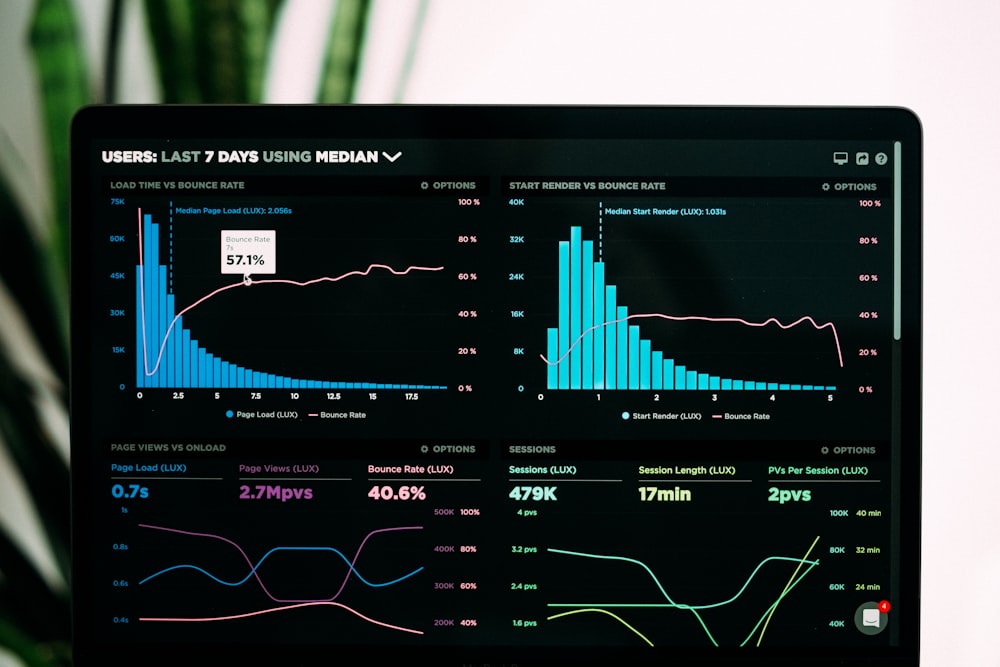
TaskFlow Dashboard
Trusted by teams at

Why Teams Love TaskFlow

Join thousands of teams worldwide who have transformed their workflow and achieved remarkable results with our platform.

Project & Task Management

Organize everything from simple tasks to complex projects with multiple views, dependencies, and advanced scheduling.

Customizable Workflows

Tailor TaskFlow to match your team's unique processes with custom statuses, fields, and automation rules.

Team Collaboration

Work together seamlessly with real-time updates, comments, file sharing, and integrated team chat features.

Powerful Integration

Connect with your favorite tools including Slack, Google Drive, GitHub, and 1000+ other applications.

Smart Automation

Automate repetitive tasks, create custom triggers, and build workflows that save hours of manual work each week.

Advanced Reports

Gain valuable insights with customizable dashboards, time tracking, and performance analytics.

Real Results, Real Impact

See how teams are achieving remarkable outcomes with TaskFlow

12+
Hours Saved Weekly
40%
Faster Project Completion
98%
Customer Satisfaction
3x
ROI in First Year

See TaskFlow in Action

Watch how teams use TaskFlow to streamline their workflow and boost productivity

TaskFlow Demo

Quick Setup

Get started in minutes

Real-time Sync

Always up to date

Smart Automation

Workflows that work

Live Analytics

Track progress instantly

Stay Connected with Real-time Collaboration

Never miss an update with our advanced commenting and notification system. Collaborate in real-time with your team members and keep everyone on the same page.

  • Real-time comment threads on tasks and documents
  • @mentions to notify specific team members
  • Smart notifications for deadlines and updates
  • File attachments in comments
  • Custom notification preferences
Comments and Notifications

What Our Customers Say

Don't just take our word for it. Here's what teams using TaskFlow have to say about their experience.

"TaskFlow has transformed how our marketing team collaborates. We've reduced project completion time by 40% and everyone is always on the same page."
SD

Sarah Johnson

Marketing Director, TechCorp

"The automation features alone have saved our development team 10+ hours per week. TaskFlow pays for itself in productivity gains."
MR

Michael Rodriguez

CTO, StartupXYZ

"We tried multiple project management tools before finding TaskFlow. The customizable workflows made it perfect for our unique agency needs."
EP

Emily Patterson

Creative Director, DesignStudio

Frequently Asked Questions

Get answers to the most common questions about TaskFlow

How much does TaskFlow cost?
TaskFlow offers a free forever plan for small teams, with premium plans starting at $10 per user/month. All paid plans include a 14-day free trial with no credit card required.
Is my data secure with TaskFlow?
Absolutely. We use enterprise-grade security including SSL encryption, regular backups, and SOC 2 compliance. Your data is protected and you own all your content.
How many team members can use TaskFlow?
Our free plan supports up to 5 team members. Paid plans support unlimited team members with advanced collaboration features and administrative controls.
Can I cancel my subscription anytime?
Yes, you can cancel your subscription at any time. If you cancel, you'll continue to have access to paid features until the end of your billing period.
Does TaskFlow integrate with other tools?
Yes! TaskFlow integrates with 1000+ popular tools including Slack, Google Drive, Microsoft Teams, GitHub, and many more. We're constantly adding new integrations.

Ready to Transform Your Workflow?

Join thousands of teams who have streamlined their processes and achieved more with TaskFlow. Start your free trial today.